
Batch Print Different Labels. Directly from QuickBooks & CSV/Excel
The efficient alternative to manually formatting labels. Directly import from QuickBooks Online or CSV/Excel files and print thousands of addresses to your thermal printer in one click.
See Addrly in Action
A clean, intuitive interface designed for professional address label printing
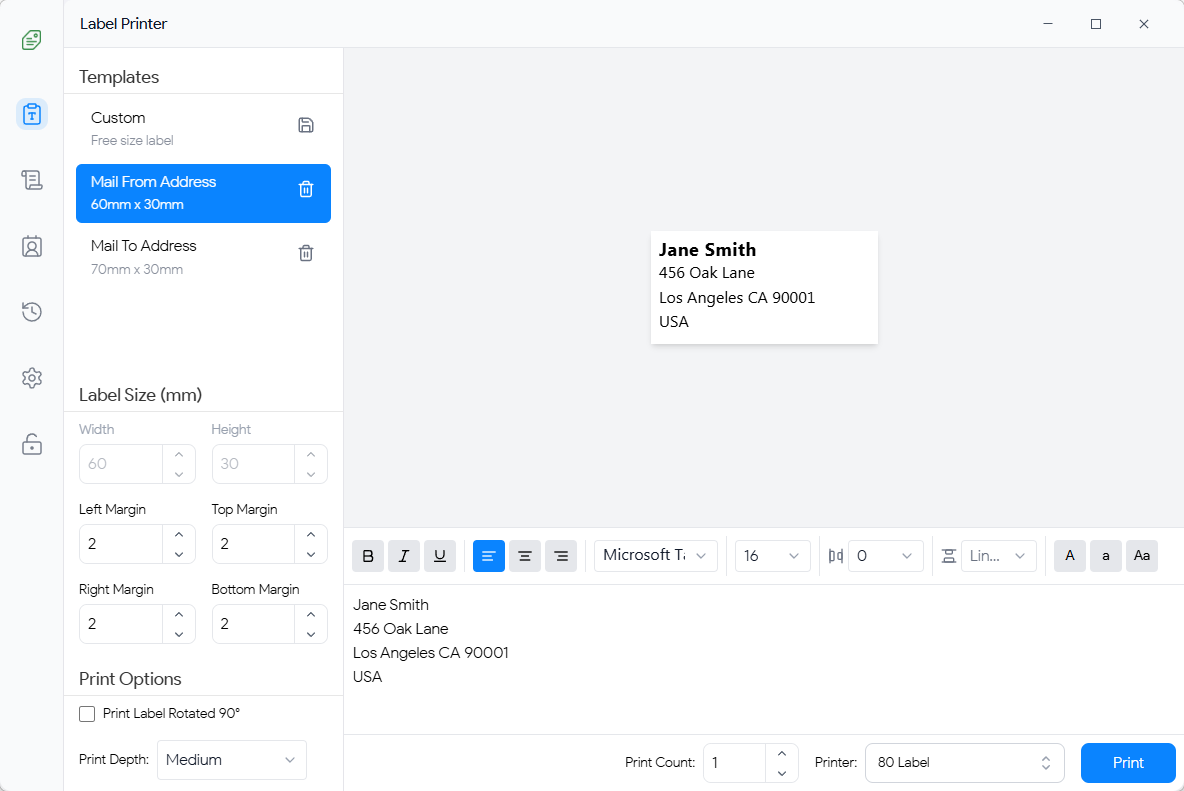
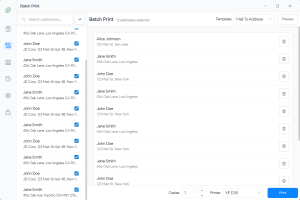
Batch Printing
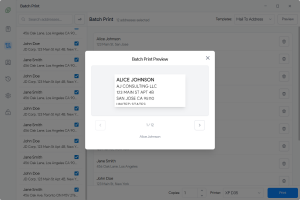
Print Preview
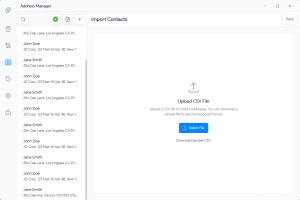
CSV Import
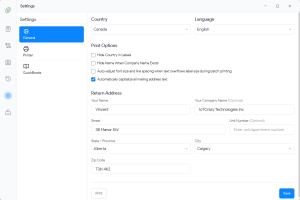
Print Settings
Tired of the "Excel Shuffle"?
Exporting CSVs, opening Excel, fixing columns, and fighting with mail transitions is a waste of your valuable time.
Exporting & Re-formatting Nightmare
Downloading CSVs from QuickBooks, opening them in Excel, and manually adjusting columns just to print a simple label is inefficient and prone to errors.
PDF Labels Don't Fit Thermal Printers
QuickBooks and other tools often generate A4/Letter PDFs that don't fit mailing thermal labels (Dymo, Rollo, Zebra), leading to wasted paper and poor presentation.
One-by-One Printing is Slow
Printing shipping or mailing labels one at a time kills productivity. You need a system that can handle 100+ labels in a single batch.
The 10x Faster Way
Addrly connects directly to your data source. No Excel. No re-formatting. Just select your addresses and click Print.
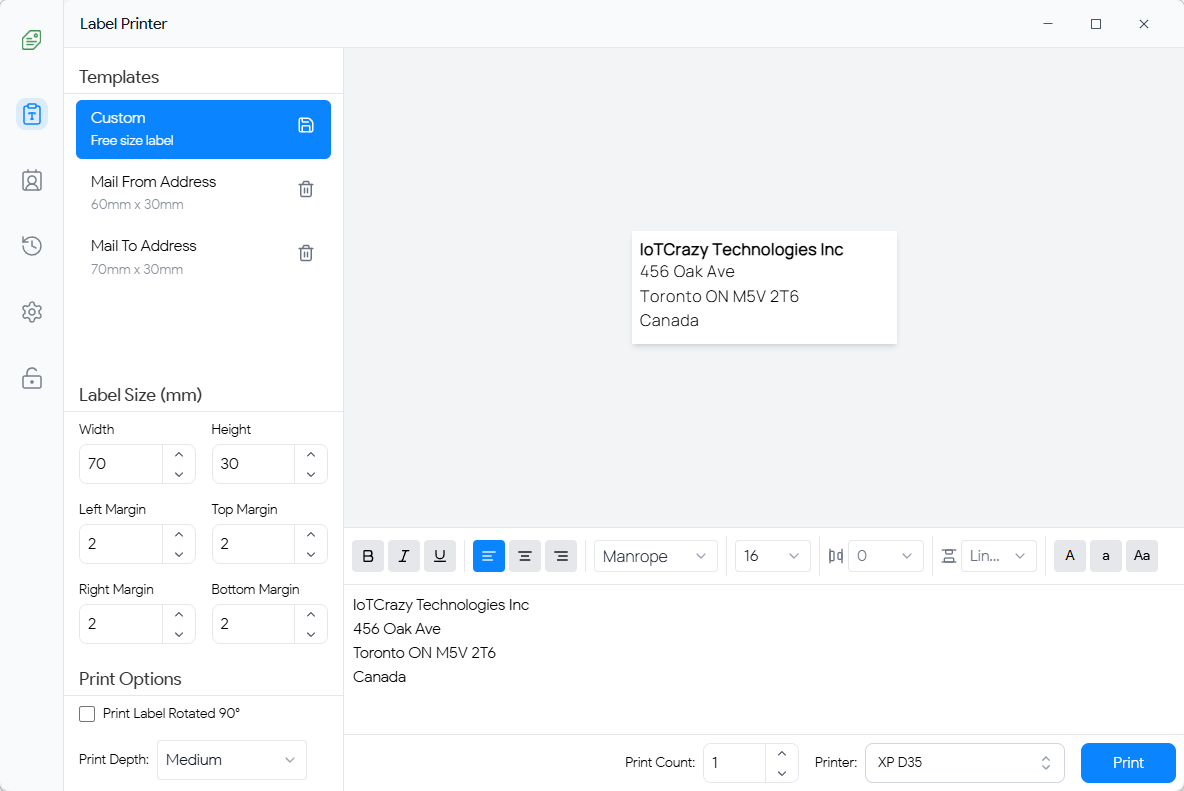
Core Features
Built for volume, speed, and precision.
CSV & QuickBooks Import
Import address lists directly from CSV files or connect your QuickBooks Online account for instant access.
Offline & Secure
Your customer data stays on your machine. We are offline-first/local-first, ensuring maximum privacy.
Thermal Ready
Native support for TSPL, ZPL, EPL, CPCL (Rollo, Dymo, Zebra) and standard Windows printers.
New: CSV Import & Batch Processing
We listened. You can now import addresses directly from CSV files or Clipboard for massive bulk printing jobs.
Designed for High Volume
Whether you have a spreadsheet of 5,000 clients or a Quickbooks export, Addrly handles it gracefully.
-
CSV File Support
Drag and drop your CSV files. Auto-map columns to address fields instantly.
-
Auto-Queue 1000+ Labels
Send huge batches to your printer without stalling your computer.
-
Smart Validation
Automatically flags incomplete addresses in your CSV before printing.
Official QuickBooks Integration
Seamlessly connect to QuickBooks Online. Addrly allows you to pull customer shipping addresses directly, bypassing the need for any manual data entry or file exports.
- ✓ No More Excel: Direct sync means you never have to "Export to CSV" again if you use QuickBooks.
- ✓ Live Data: Always print the most up-to-date address stored in your accounting software.
- ✓ Secure OAuth: We use the official Intuit API. Your credentials stay safe.

Three Simple Steps
Go from list to labels in seconds.

Import Data
Connect QuickBooks, upload a CSV file, or just paste text from your clipboard.

Auto-Format
Smart engine detects address components and standardizes the format for your labels.

Batch Print
Print one or one thousand labels instantly to any thermal or inkjet printer.
Review from Users

“The new CSV import feature is a lifesaver. We used to spend an hour on labels every Monday; now we import our weekly list and finish in 5 minutes.”

“Finally, a way to print labels from QuickBooks without the Excel nightmare. My clients love it.”

“Offline-first and privacy-first are must-haves for us. It connects to our Dymo perfectly.”